Forgotten password
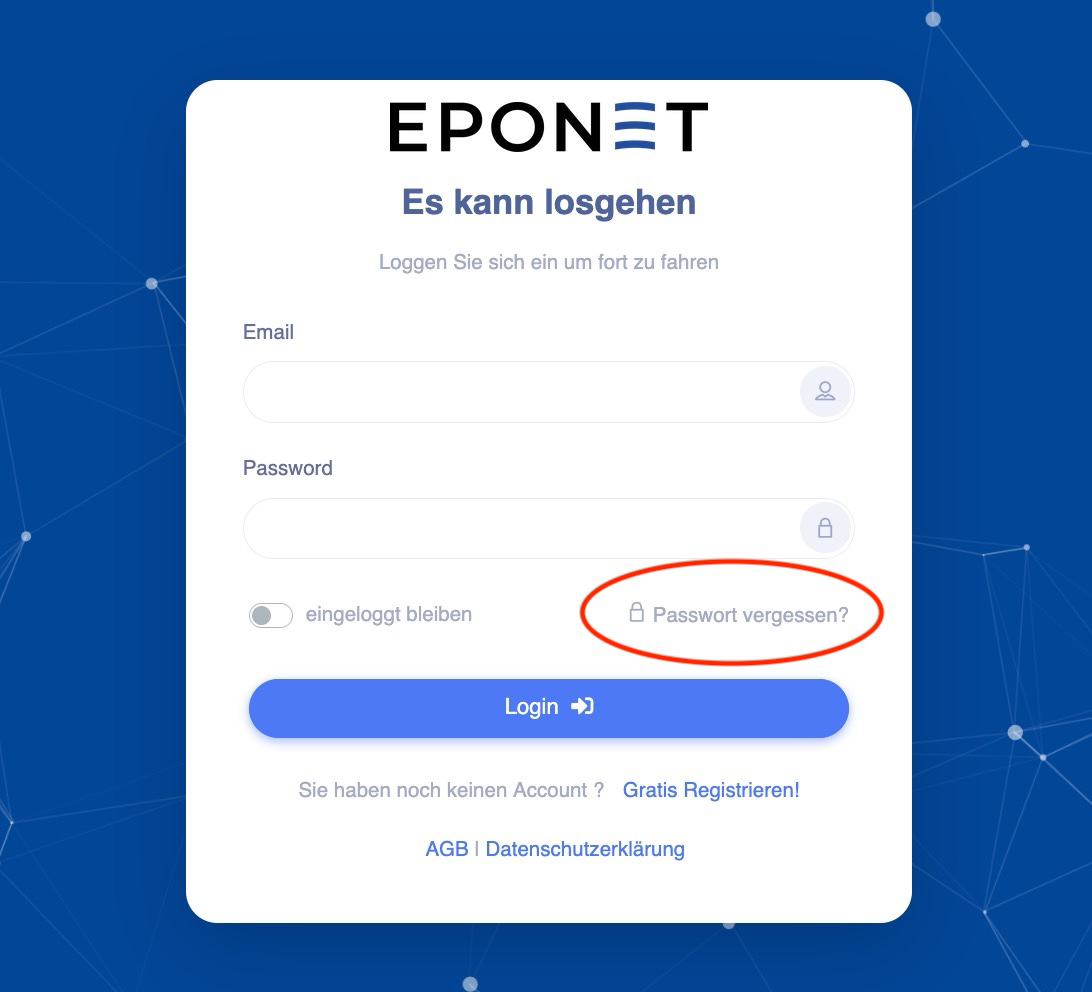
Have you forgotten your password? On the login page at www.portal.eponet.ch
, you can click on "Forgotten your password" to have an email with a link sent to you. Clicking on the link will take you to a field where you can enter a new password:
Enter your email address in the field and click on Send:
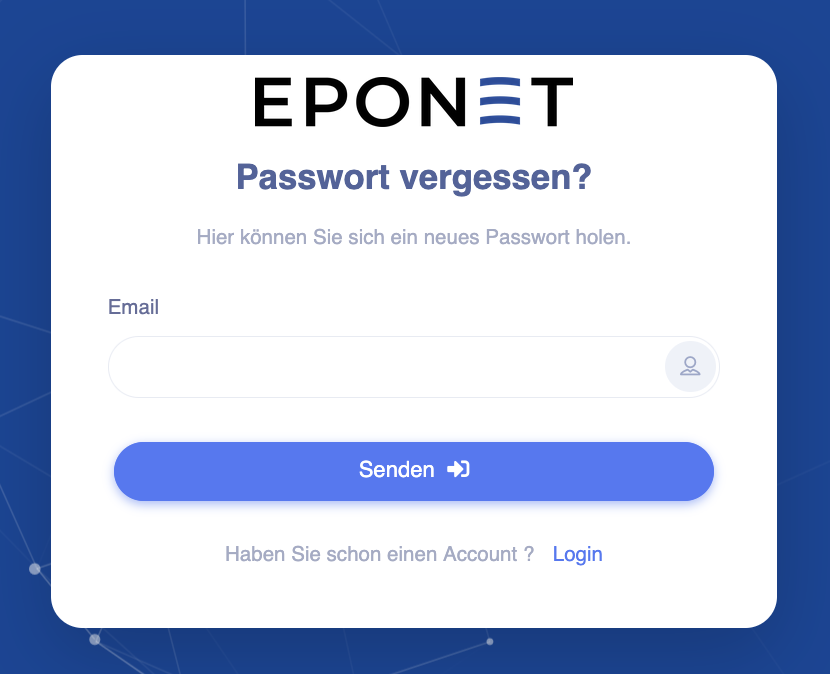
Please ensure that your email address is spelled correctly.
If you cannot find an email in your inbox, try again using the Forgot your password function – but after clicking on the "Send" button, please be patient until you receive a confirmation.
Please wait until the following message appears. Do not leave the page until you see this message:
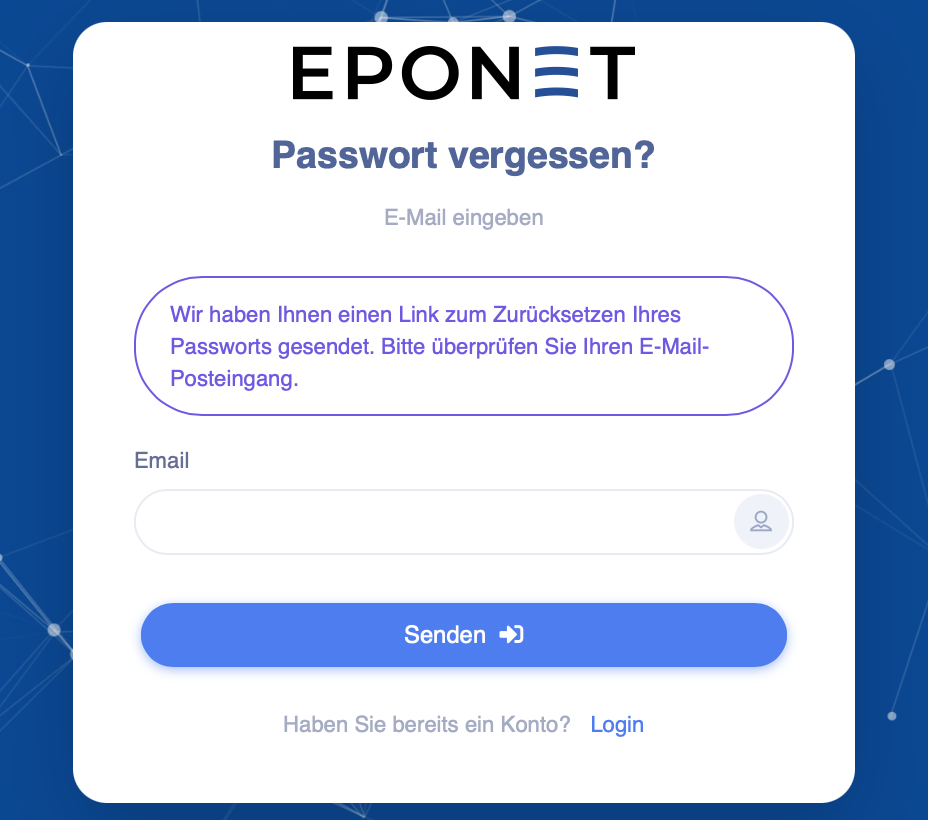
You will now receive an email with a link to reset your password:
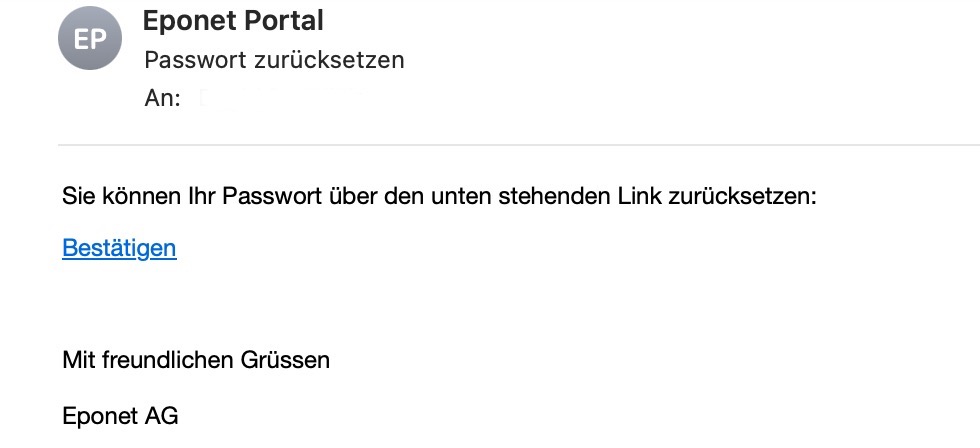
Click on "Confirm" and enter your new password twice:
Requirements: at least one number, one upper-case letter, one lower-case letter and one special character. Minimum of 8 characters in total
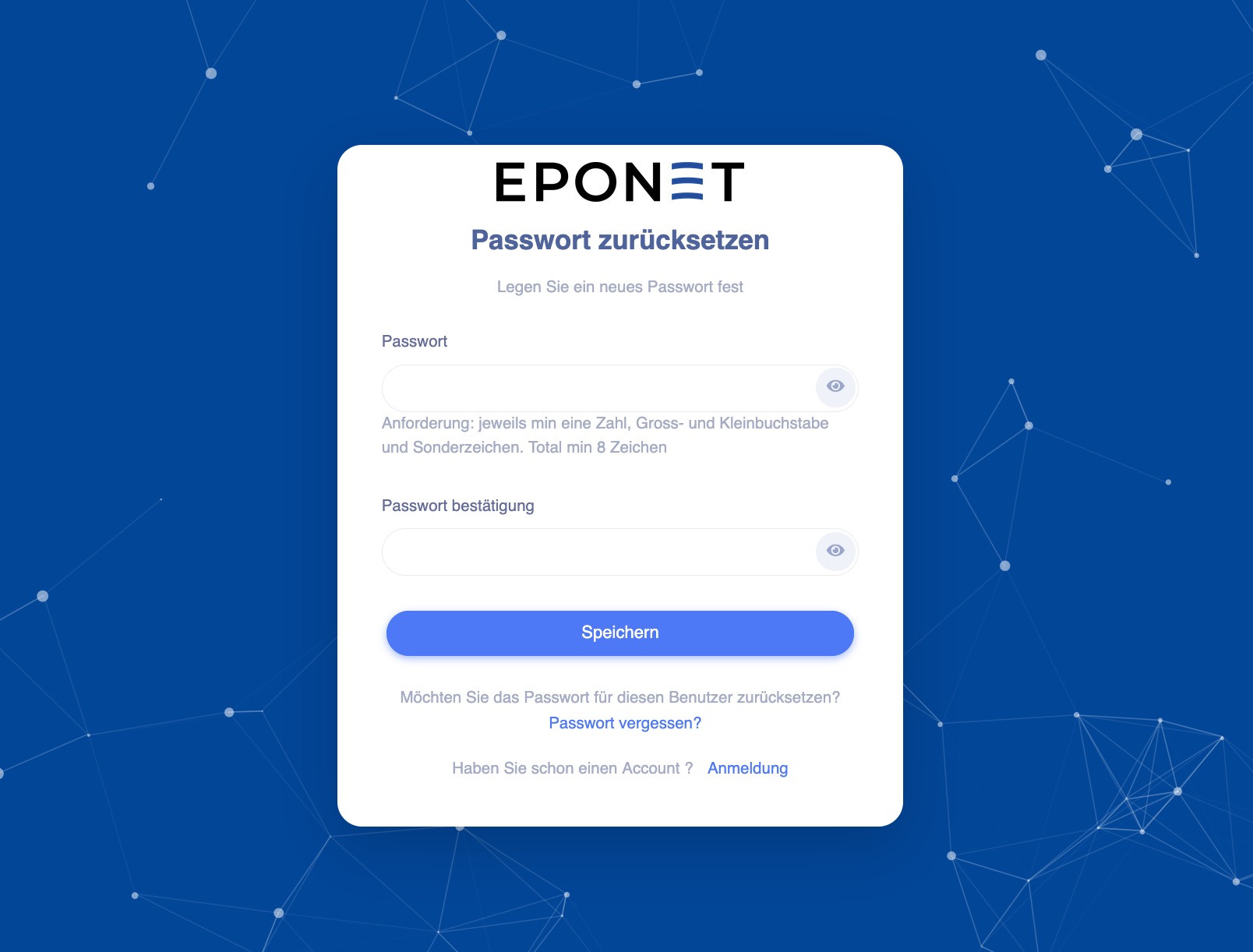
You can now log in with your new password.
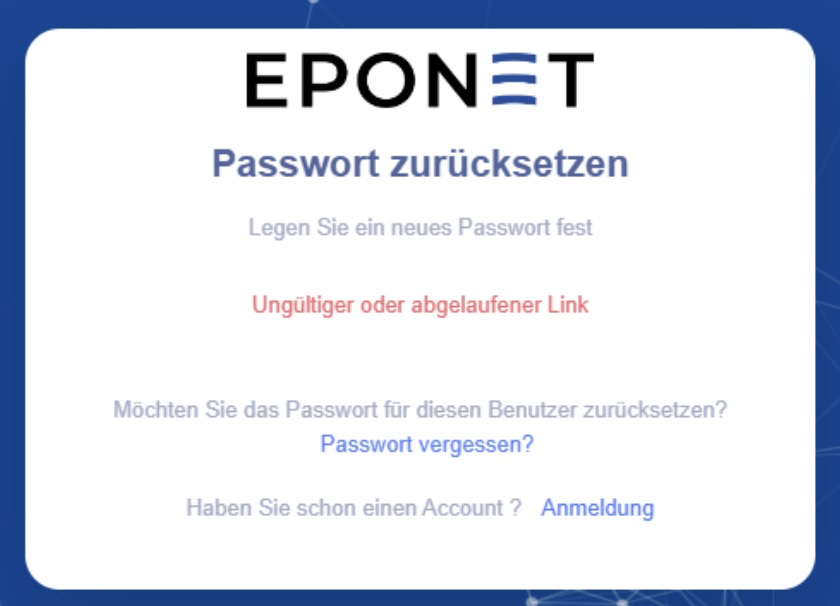
The link to reset your password is valid for 24 hours. If you click on the link after 24 hours, you will receive the message "Invalid or expired link". In this case, you must restart the process by clicking on "Forgotten password".