
Eponet financial and transaction report
The finance and transaction report is primarily a tool for infrastructure operators.
Create a PDF report with all account movements over a period of time for a statement.
You can find this function under Settings > Finances, where you can also see your balance and all your account movements.
Go to the Transactions tab. Here, in the upper area, you will see the Report function.
Select the desired time period in the date field. You can click
on the green buttons as needed:
- Transactions Details shows you the account movements over the period
- Public Details shows all public charges via QR code over the period
- RFID Details shows all charges via invited RFID cards
- Machine Details shows statements for machines (e.g. washing machines) via invited RFID cards
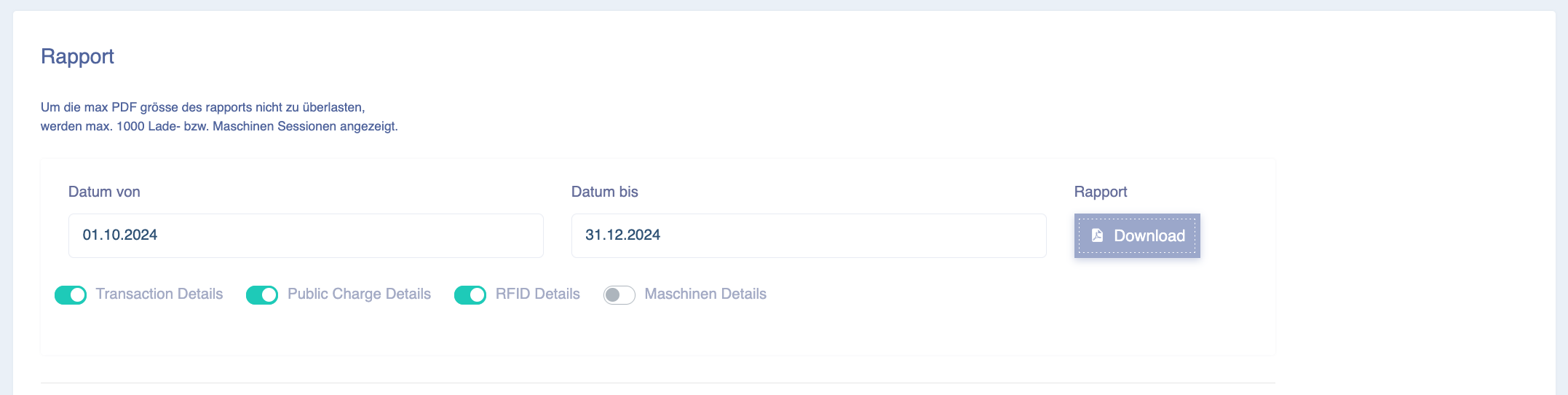
The report download button generates the PDF:
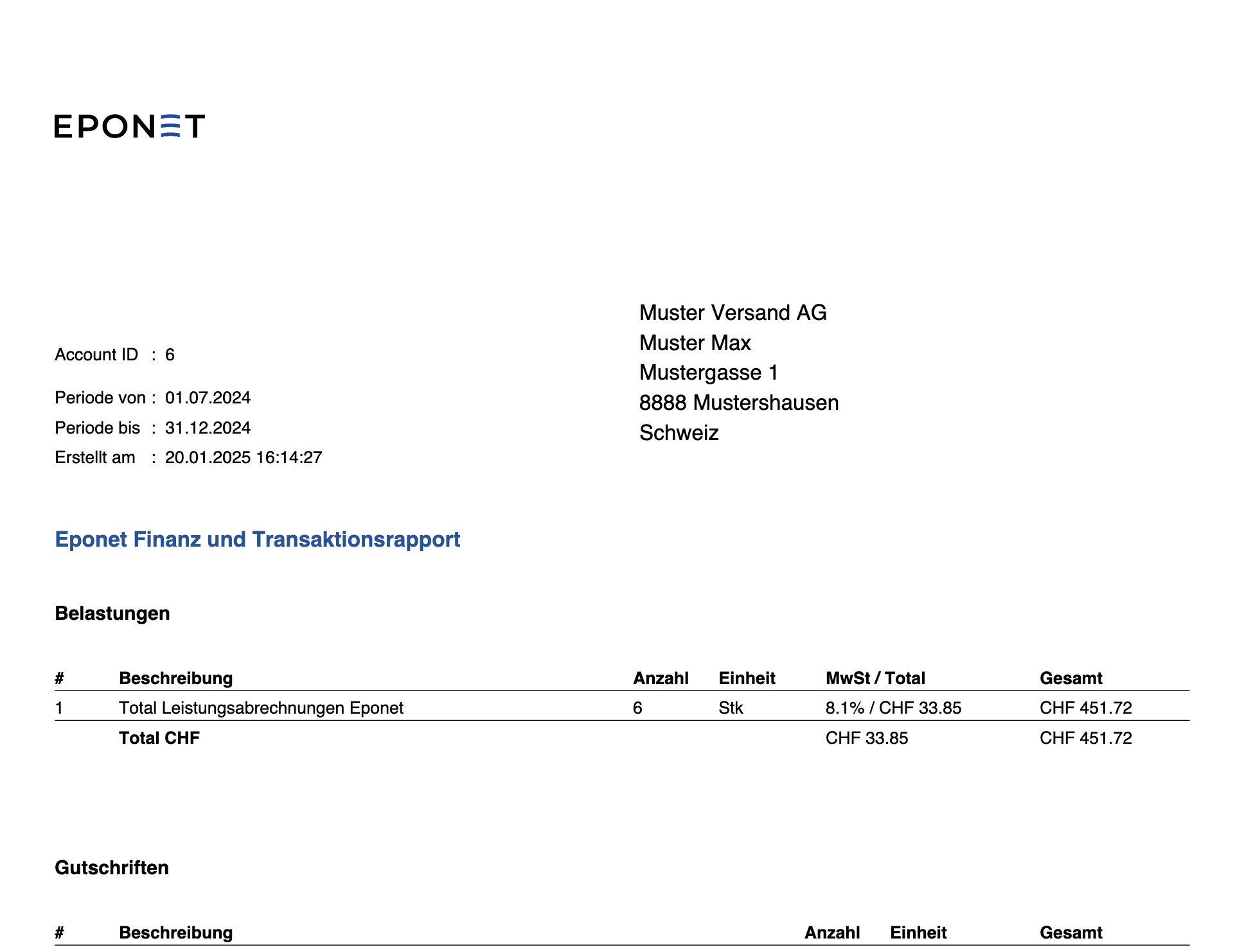
The financial and transaction report is always based on the latest data. This may mean that if you create a report at the beginning of July for the period from 1 May to 30 June, it will contain different data than the report you created at the end of July for the period from 1 May to 30 June. How can this be?
One reason could be that a charging station provided us with data late.
Here is a summary of the possibilities:
We are aware that these statements are structured very transparently in our transaction report and are also compiled from several instances. This gives rise to the following issues:
- The charging stations have charges that span multiple days.
- They report different data depending on the product
- Some report consumption only once for the entire charging time
- Others report every 2 minutes and then stop for several hours
- Still others accumulate their meter readings and send this data sporadically
- Sometimes charges are only reported by the charging station days later
- If a charging station is offline, this can also result in various possibilities
- They do not report the data, Eponet has to collect it
- They report the data in consolidated form and Eponet has to assign it to the individual charges
- They report the charges after one month
- Meter readings that need to be assigned are missing
These are just a few examples of why this data is sometimes difficult to explain in the reports.
For this reason, our software credits you with the data that was available at that time. If data is supplied later or created retrospectively across days or months, it is added in the correct place.
To ensure that the final statements are still correct for you, we take the more complex route and take into account all charges from the activation of the charging station to the date of the report. These values are offset against the credits created, giving you the exact data from day 1 of the charging point's activation.
Add up all credits (transaction report) and all debits (RFID transactions) and this will match from day one.
This means you always have control over whether everything is correct. If you were to do this for individual charges, you would have to take all of the above points into account, which would be impossible.
So if you now compare the RFID transactions in the account with the credits paid out, the figures will match. It is therefore not possible to reference the individual RFID transactions from the report with the credit note.