
Delete Eponet account
Would you like to delete your Eponet account? This page explains how to delete your account.
Please note:
This process will permanently delete all your data and cannot be undone. If you have a positive balance, we recommend that you withdraw your balance before deleting your account. If you still need further data from your account, e.g. receipts for loads, evaluations or other information, please download these to your data carrier before deleting your account.
After deletion, you will no longer be able to access your data or withdraw your credit balance.
You must enter your email address to confirm the deletion.
How to delete your account
Log in to your account and go to Settings on the left-hand side of the blue page. Then
select the "Settings" tab in your account.
Click on the "Delete my account" checkbox.
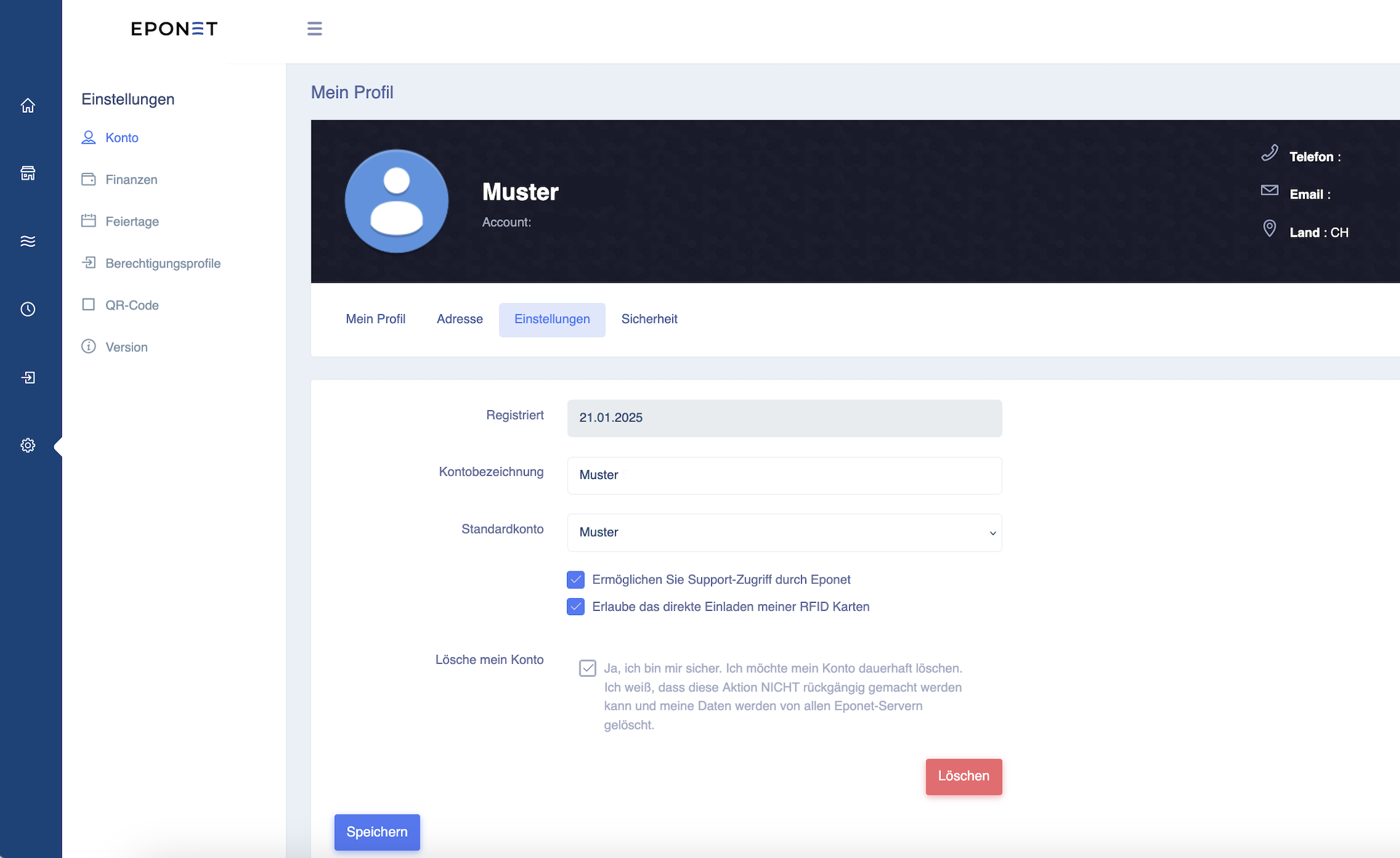
Now click on the red Delete button and confirm the security prompt:
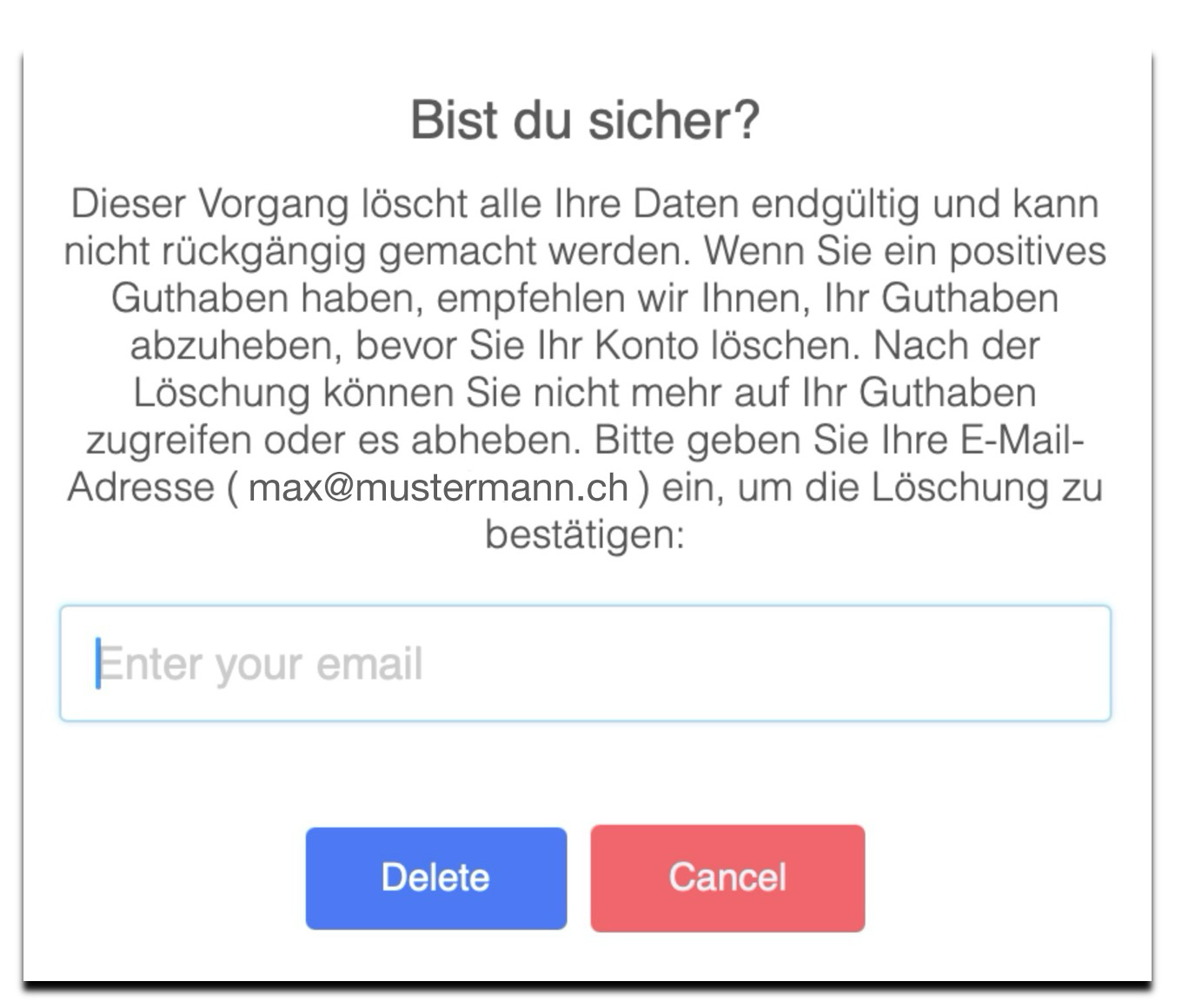
After entering your email address and pressing the Delete button, your account will be deleted.