Create Eponet account
Register at www.portal.eponet.ch
Click on Register for free! in the login window to continue:
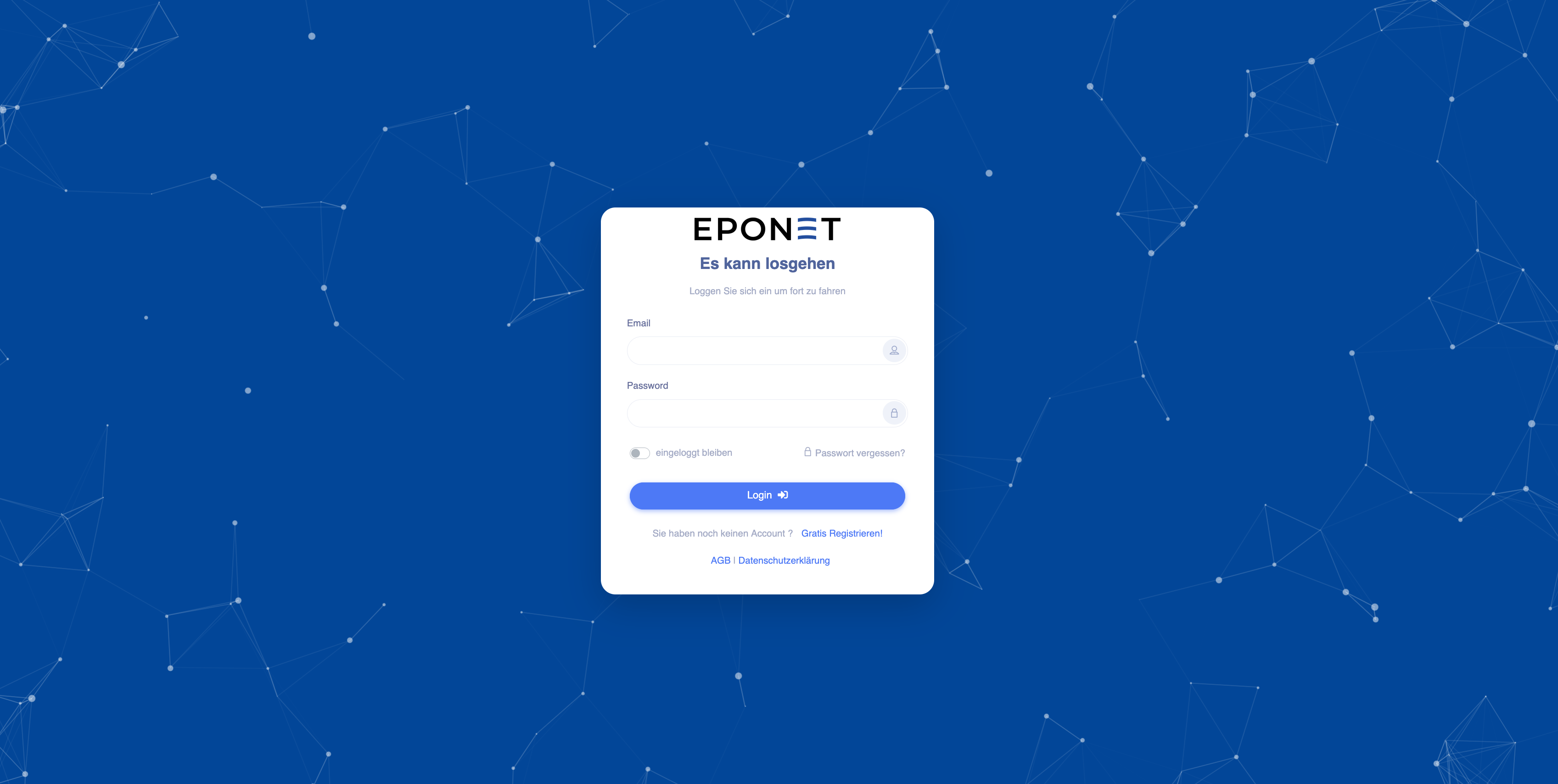
On the login page, you will also see the terms and conditions and privacy policy.
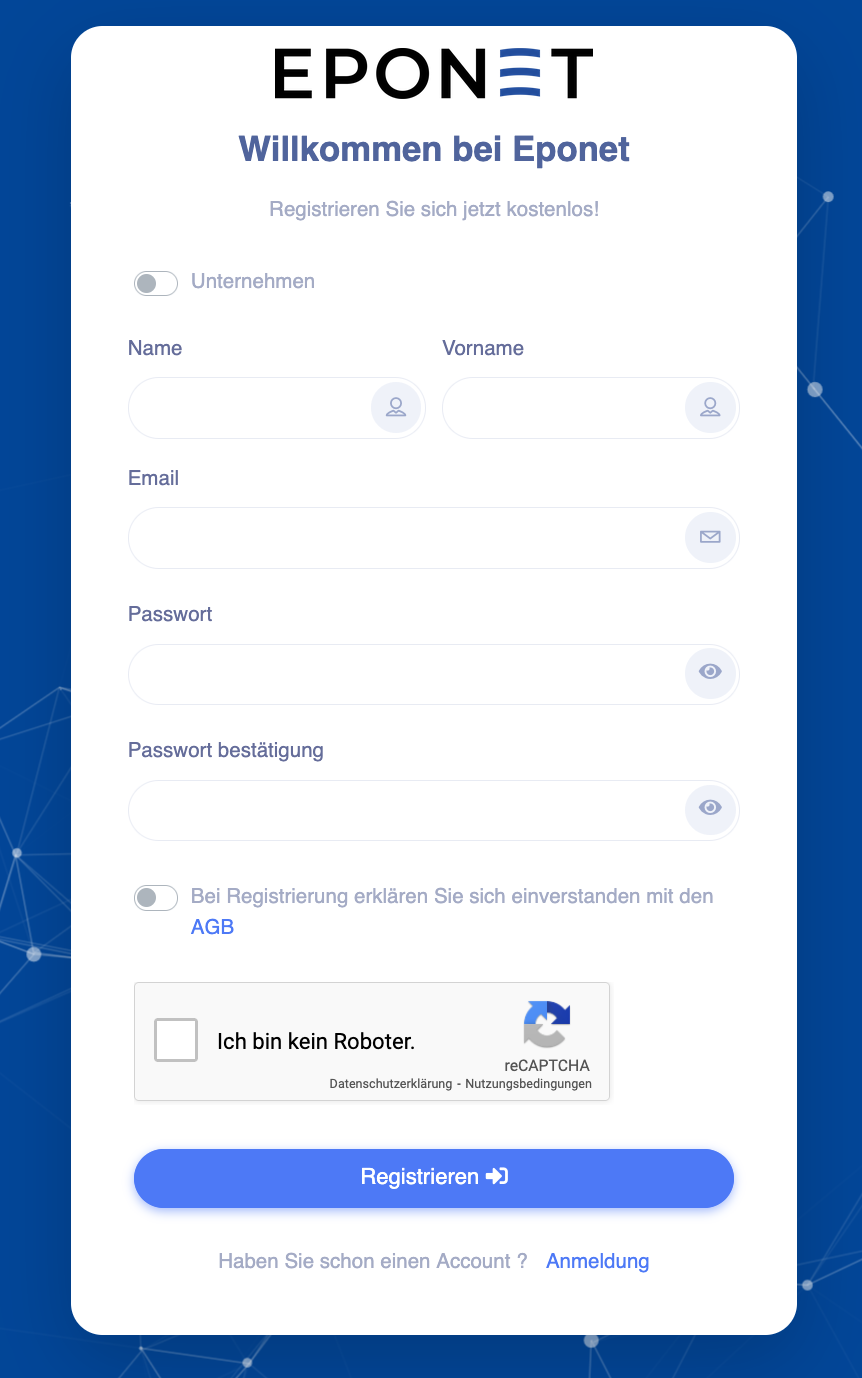
You can register with your surname/first name or as a company. The company option is intended for those who wish to manage and operate charging stations, for example.
Otherwise, we recommend that you register with your surname/first name.
Enter your surname/first name/email address and a secure password. To register, you must agree to the terms and conditions. Follow the reCAPTCHA instructions and click on Register.
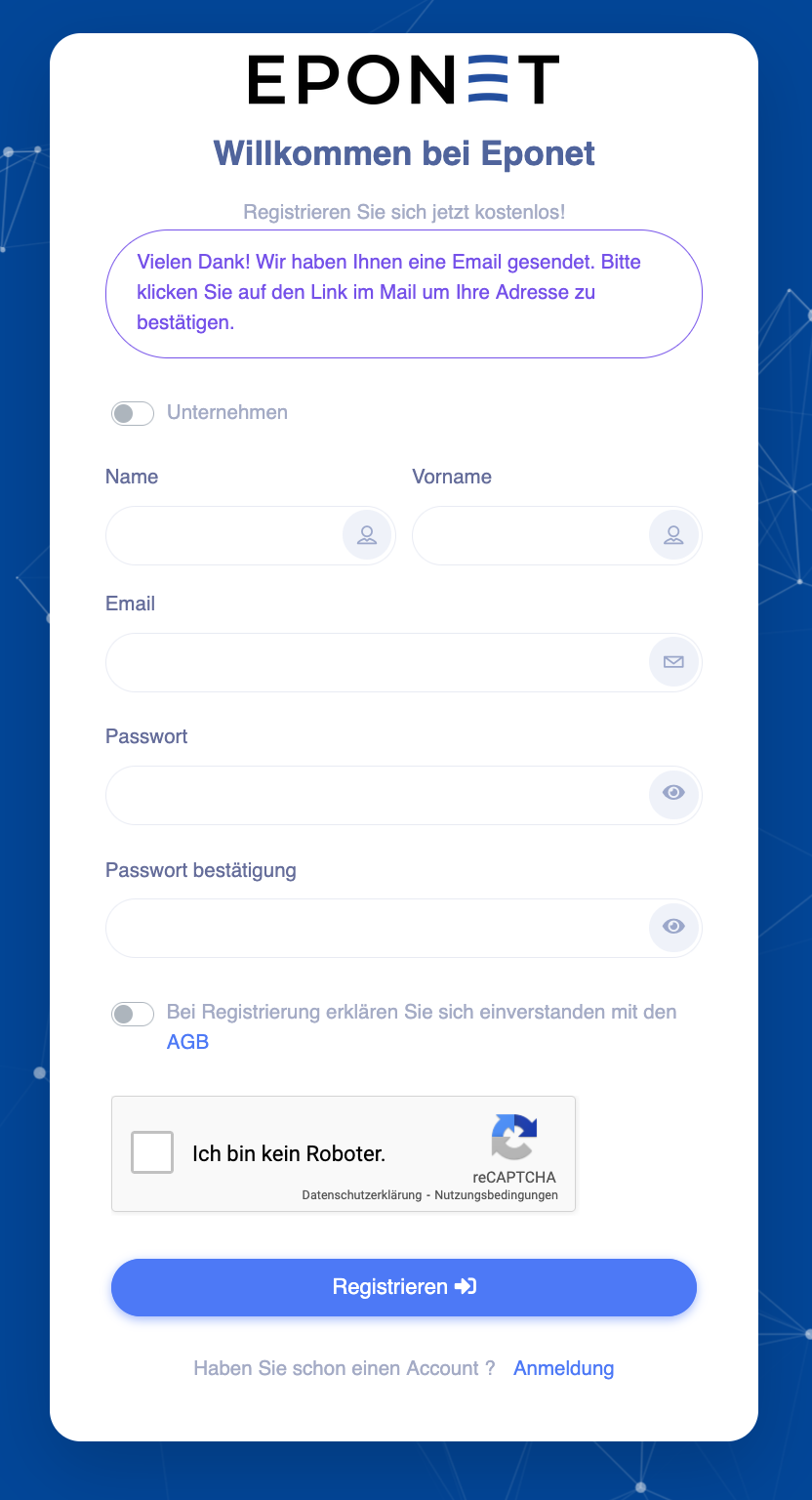
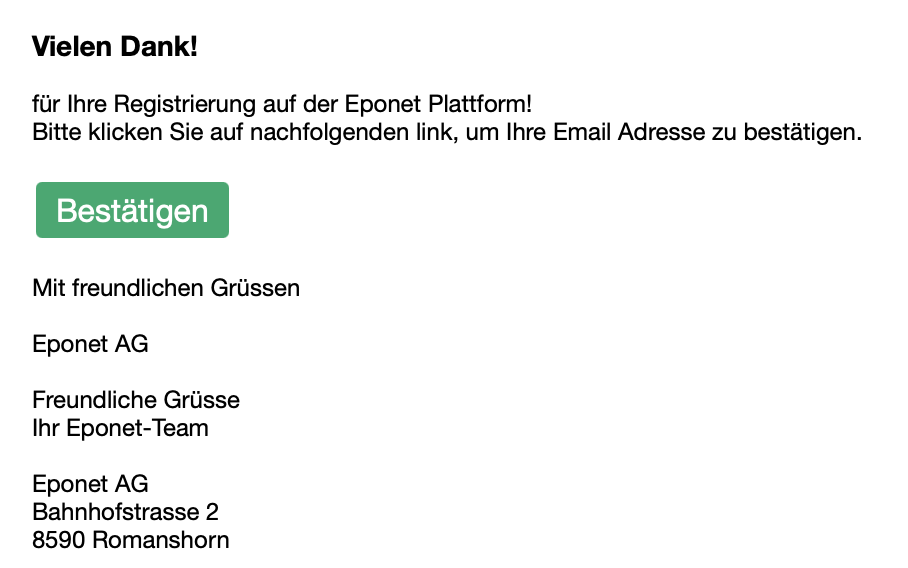
You will now receive an email with a confirmation link:
Click on the green Confirm button in the email you received to activate your account:
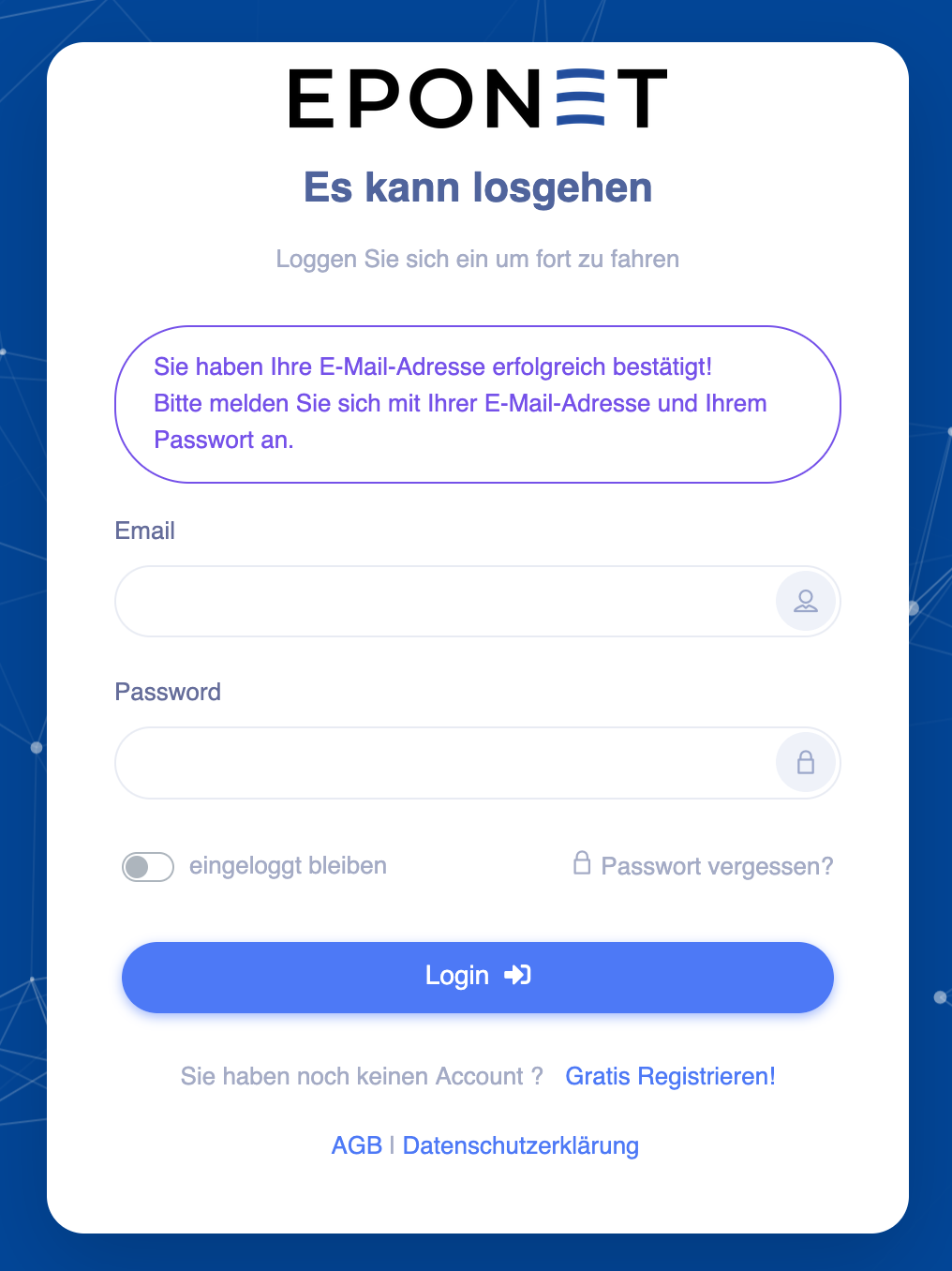
You should now be redirected to the login page and see the following message. You can now log in with your email address and password:
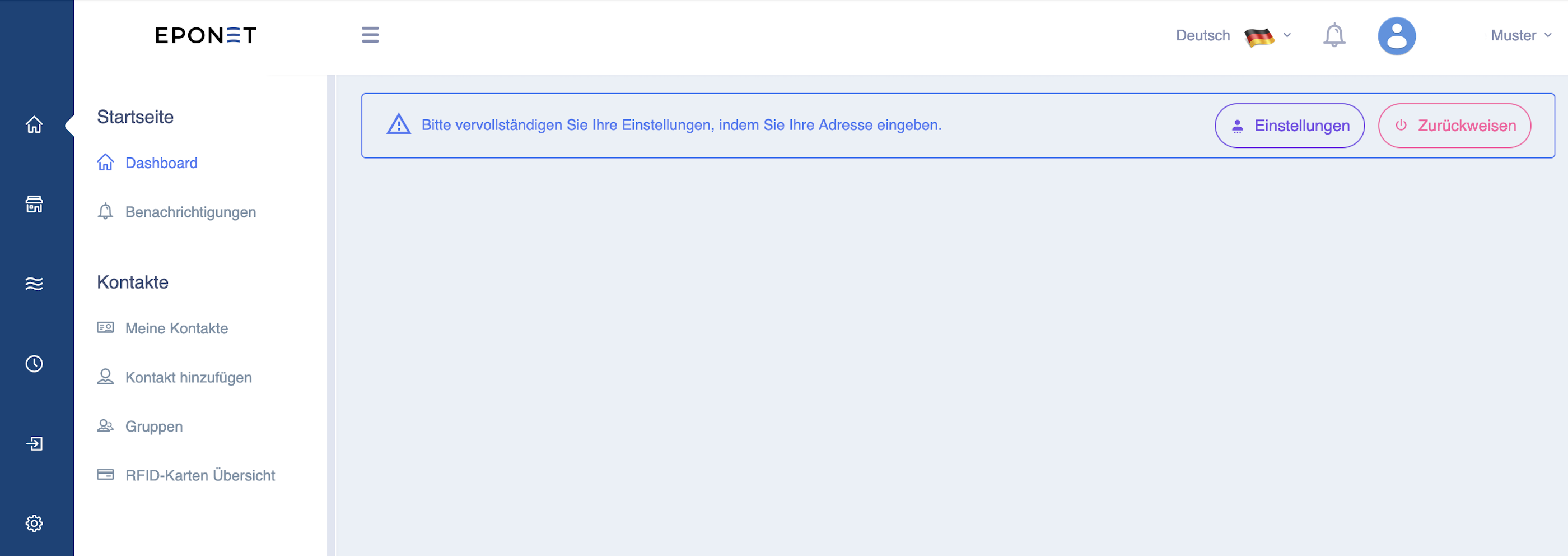
After logging in, the page will ask you to complete your details (address).
For deposits using a QR code EZ slip (free deposit without fees), the address is mandatory – otherwise the QR code will not work.