
Step 2 - Create object address (general step)
Each charging station must be assigned an address. Select the Building tab in the blue navigation bar on the left and add an object. You can freely design the structures here (drag & drop). An ideal structure is when the charging station is assigned to a parking space. You can also store photos, notes and files for each object.
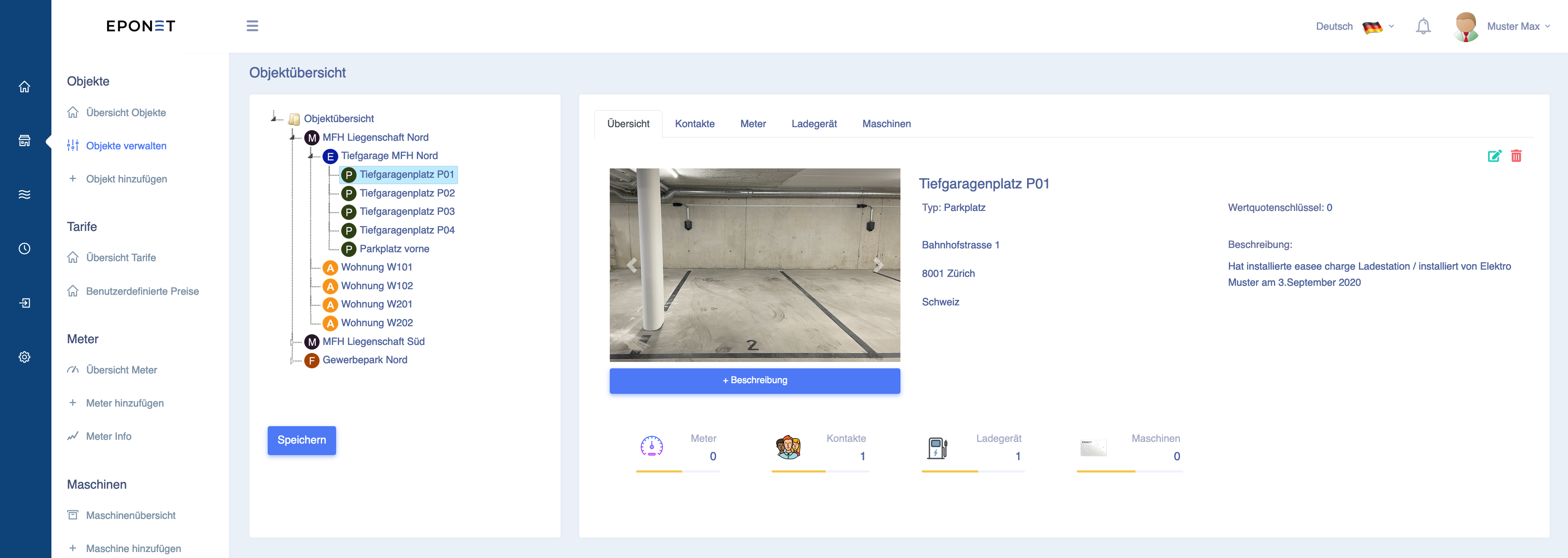
Tip: Created objects can be easily sorted or moved using drag & drop. For example, drag the created "Underground car park space P01" under the object "Underground car park MFH North".