
Rent a charging station
Here you will find instructions on how to onboard at a charging station via ImmoConnect.
First, scan the QR code at the charging station with your smartphone camera. This page should now open.
Click on "Use via Immoconnect" and then on "Continue" at the bottom.
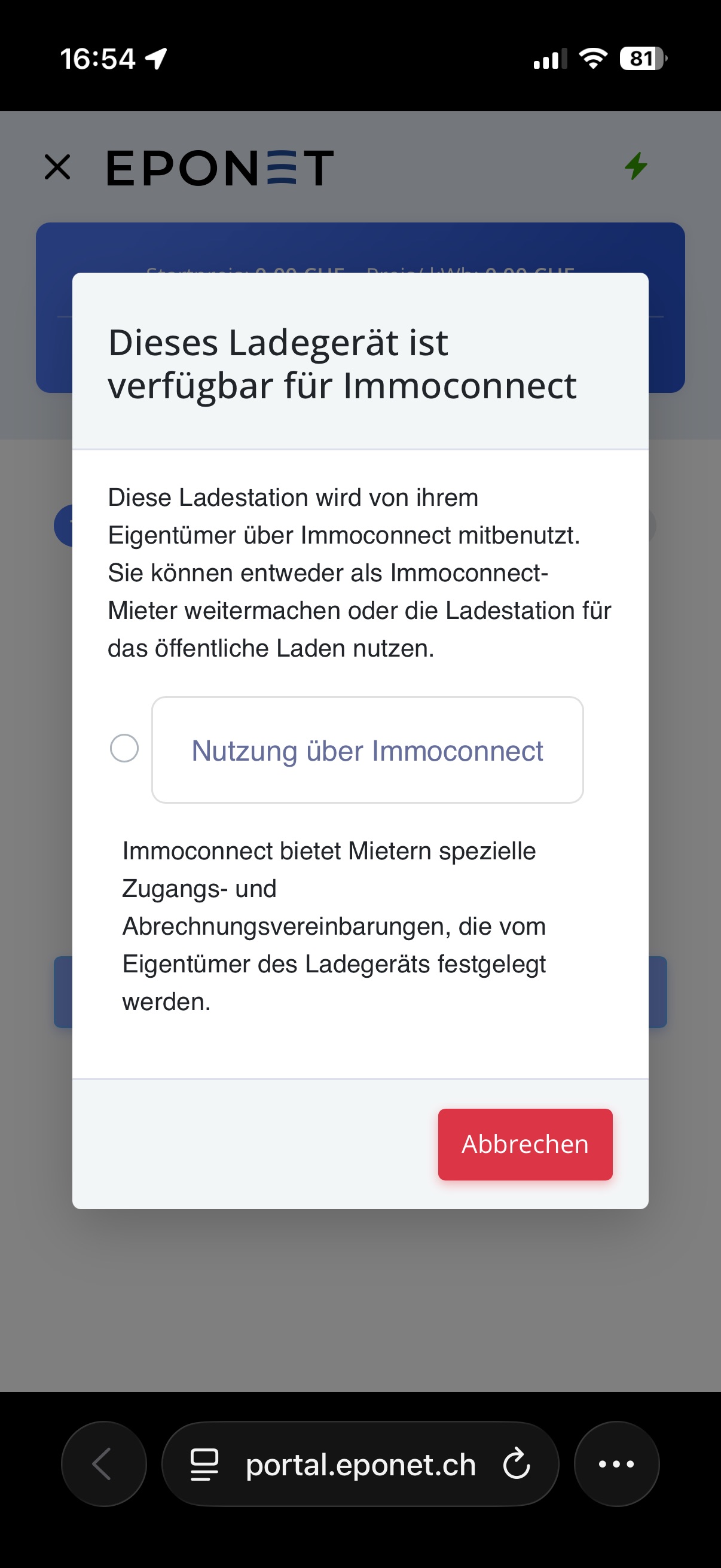
You can now log in with your Eponet account.
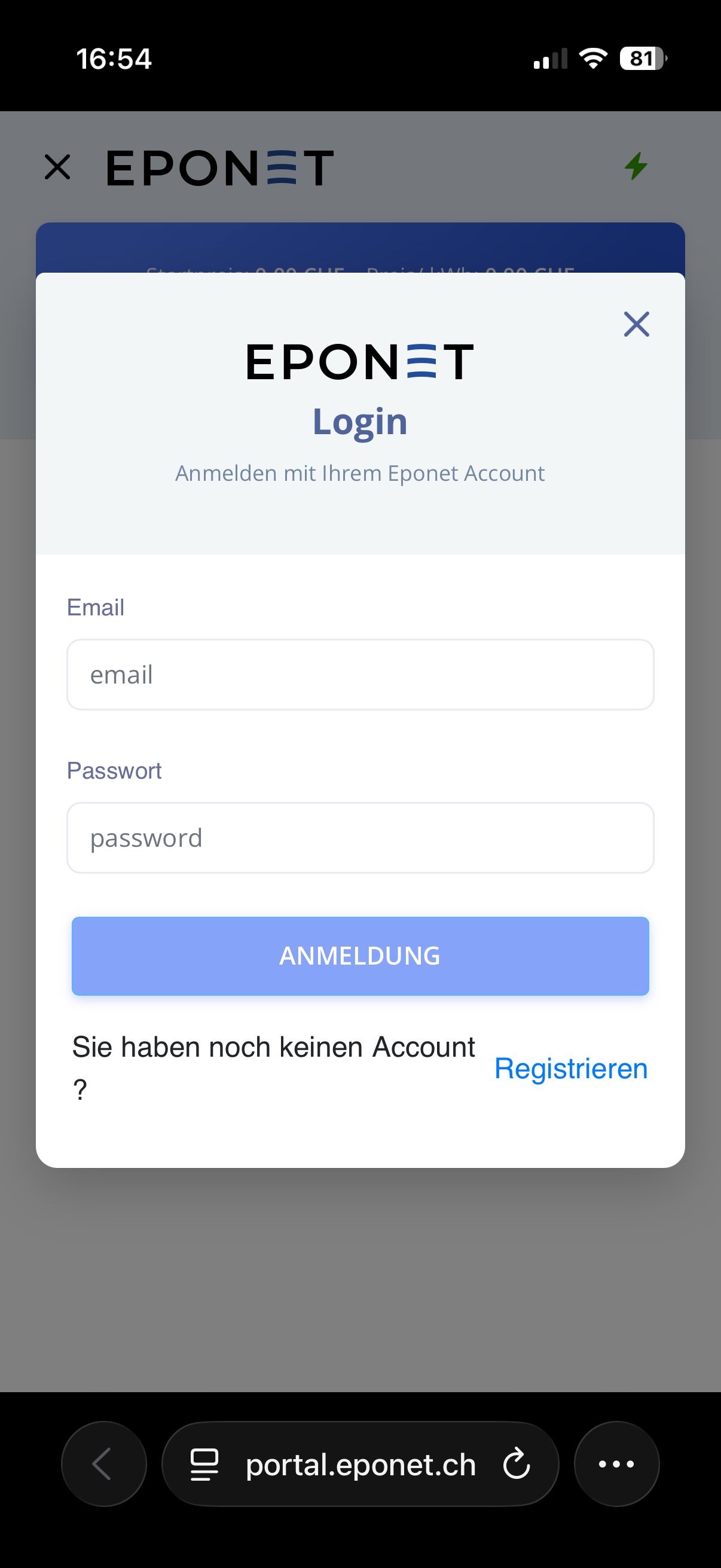
Once you have successfully logged in, you will find the terms and conditions on this page.
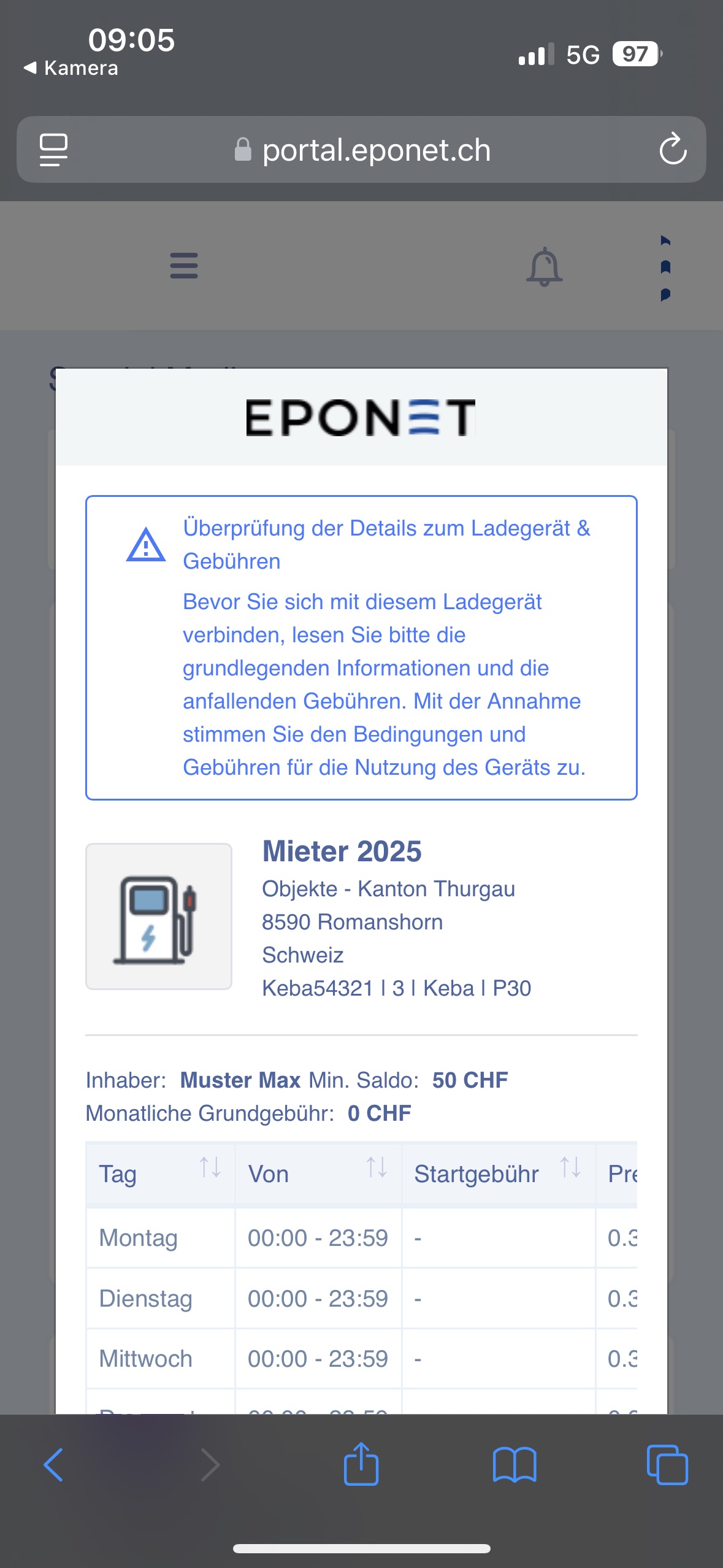
Scroll all the way down and click on "Approved & Connect" to rent the charging station.
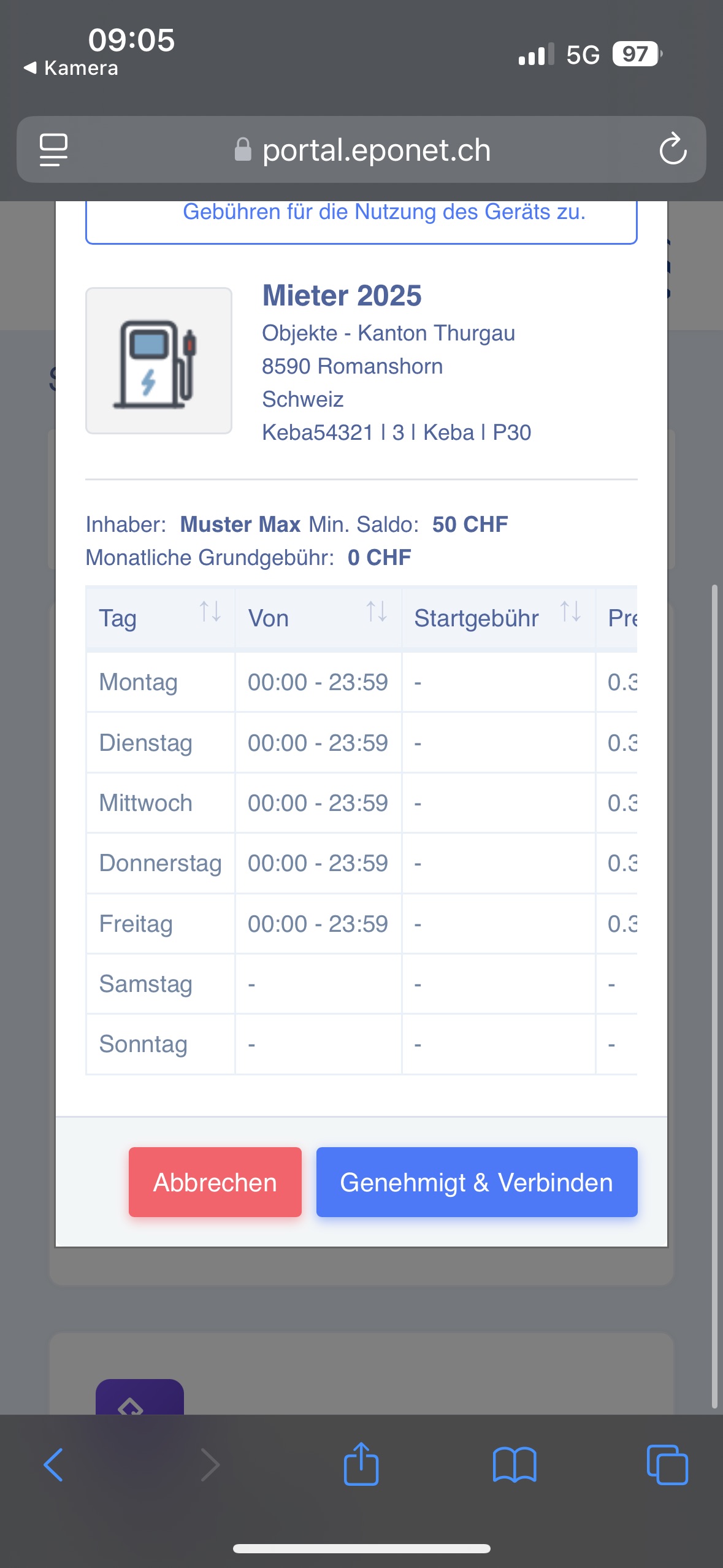
You have now successfully requested the charging station. The administration can now review your request and accept it if appropriate.
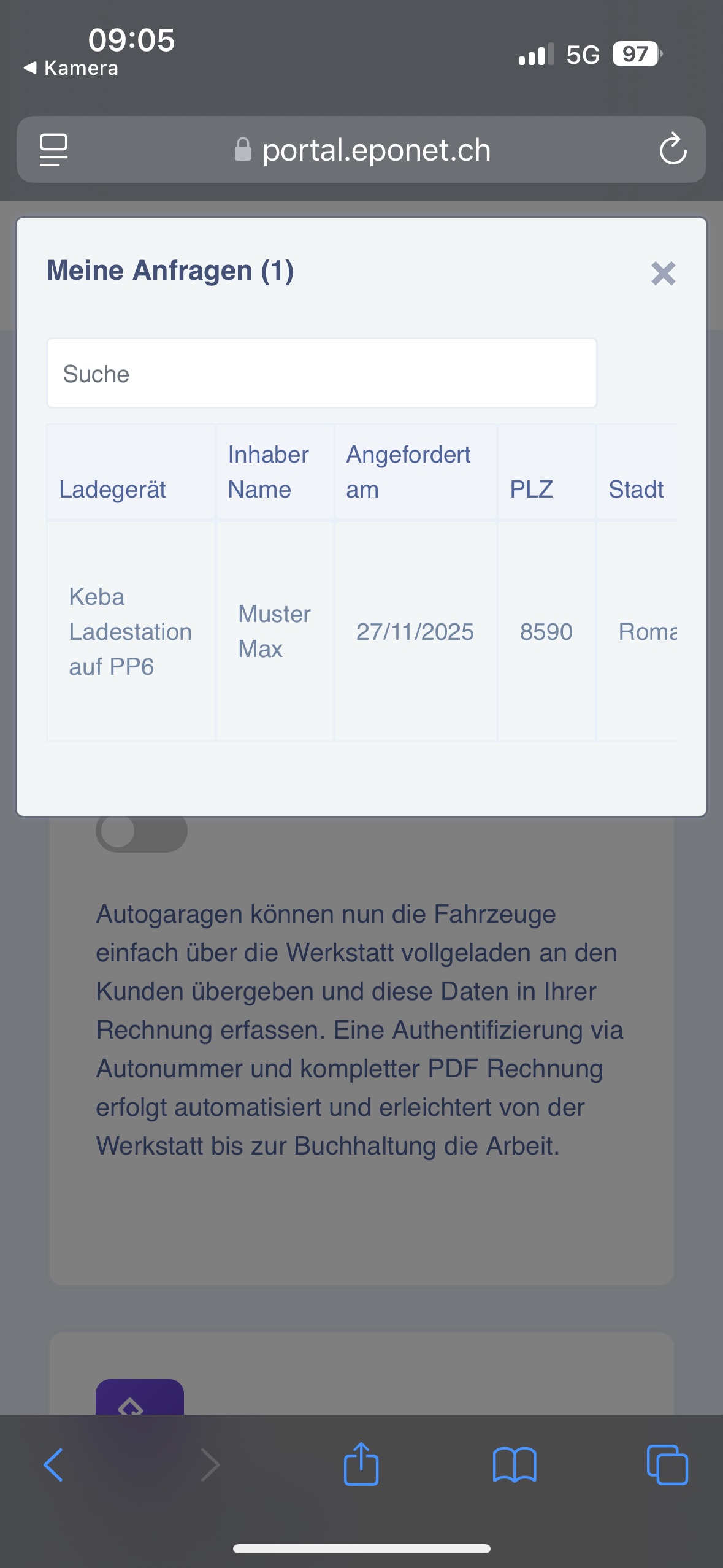
Once the rental request has been confirmed by the administration, you can view the charging stations you have rented on the Eponet app under the "ImmoConnect" tab.
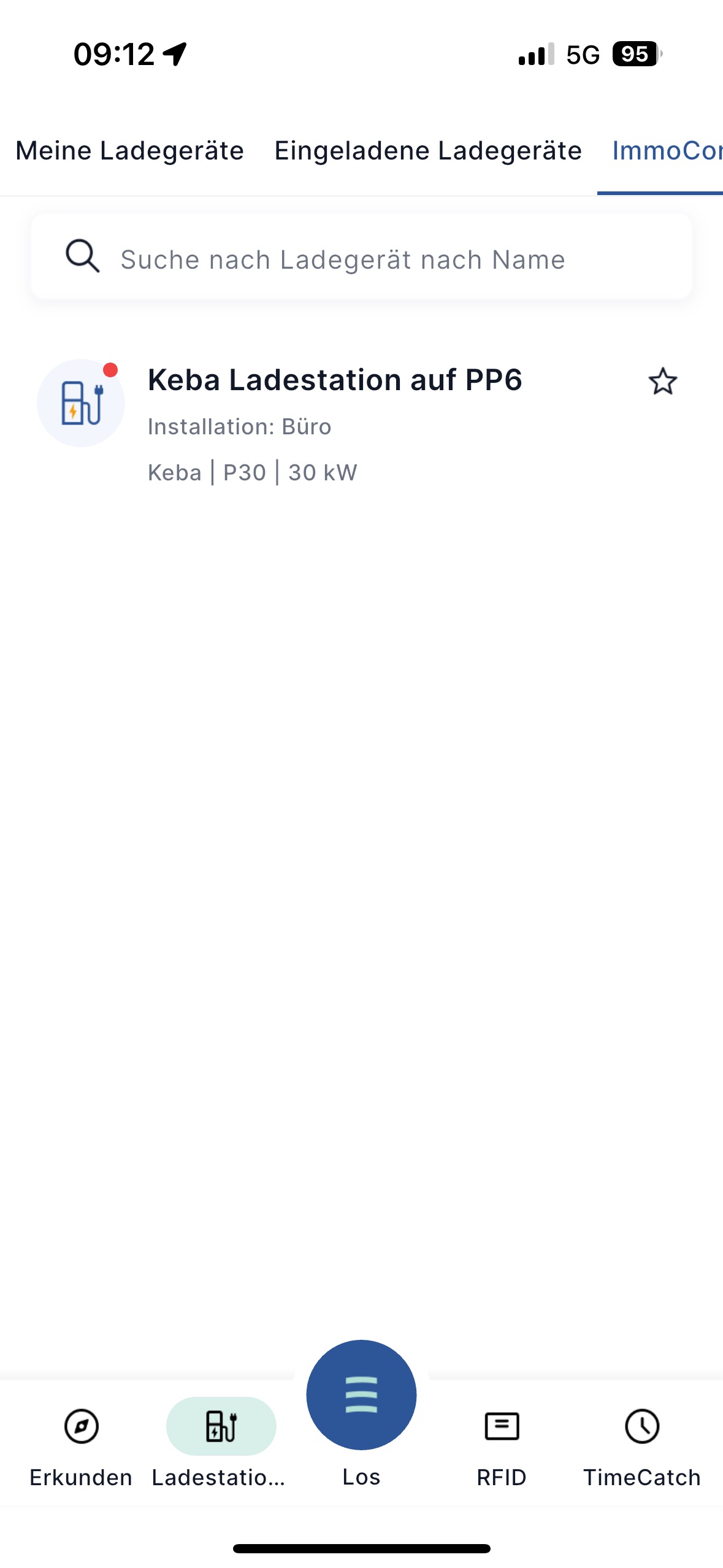
From this point on, you can charge your vehicle at this charging station.