Copy and customise loading profile
This article describes how to adjust the charging profile for your charging infrastructure when you switch to a new electricity tariff.
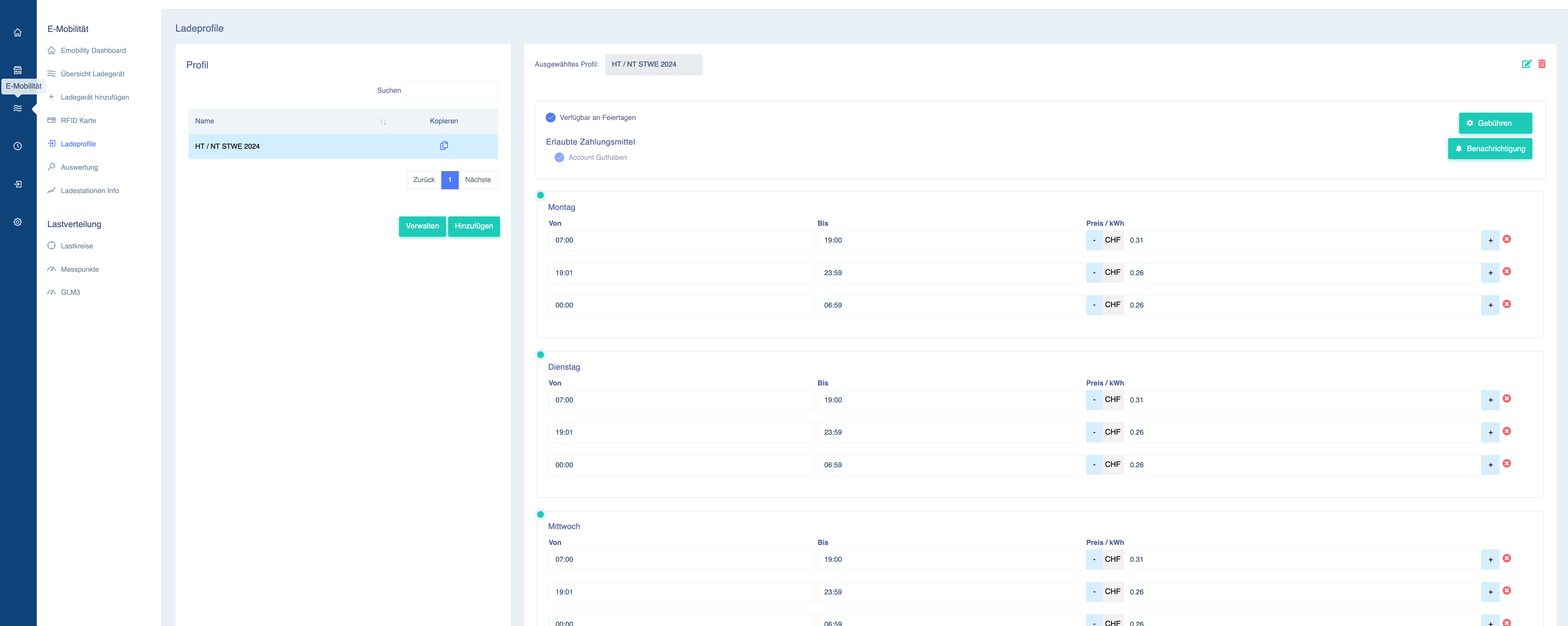
To do this, log in to your charging infrastructure account at portal.eponet.ch and go to E-mobility in the blue area on the left-hand side of the page. Then select Charging profiles in the white field next to it.
Here you will see the existing charging profiles. If you have several charging profiles, select the one you want to change or copy.
In this case, the charging profile "HT / NT STWE 2024" is selected and you can see the current tariffs for this charging profile:
You can, of course, simply adjust this charging profile. However, we recommend copying it and then adjusting the new one and assigning it to your users.
Copy and adjust charging profile
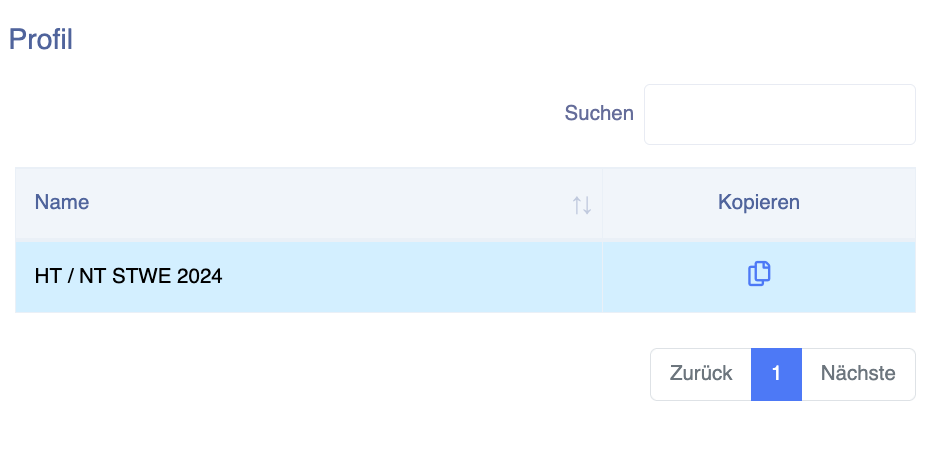
Click on the "Copy" icon for the desired charging profile:
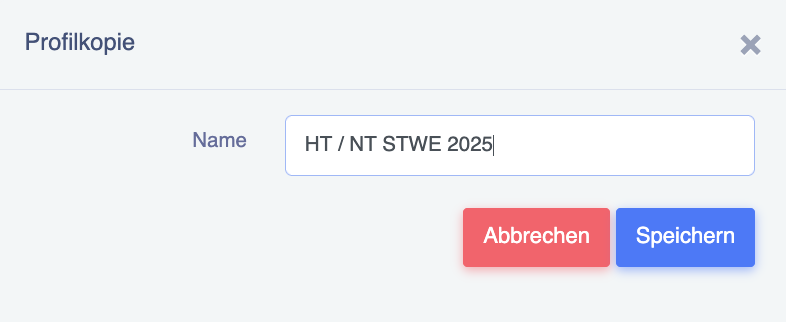
Now give the new charging profile a name, for example "HT / NT STWE 2025", and press Save:
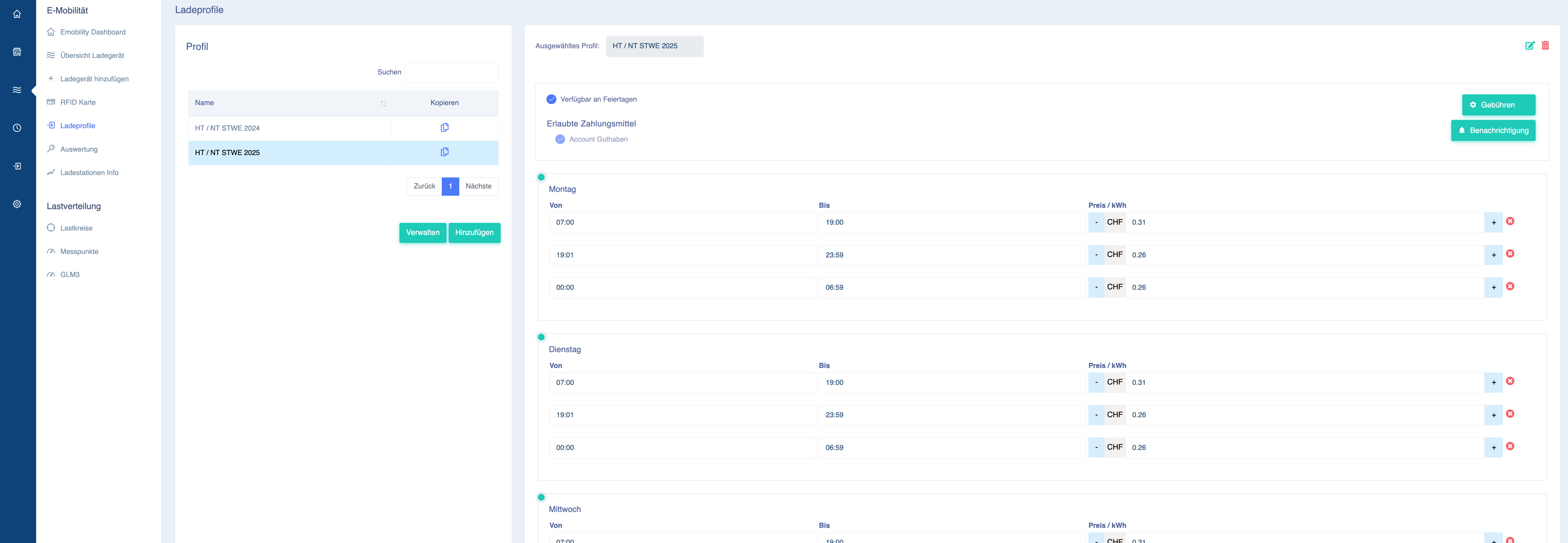
You have now created the new loading profile by copying it. If the times for high and low tariffs have not changed, you can simply enter the new prices:
Important information:
Eponet is not responsible for the prices. Please ensure that you enter the correct information – if incorrect prices are entered and the user is billed incorrectly, this can only be changed retrospectively to a limited extent and we will have to charge for this according to the time and effort involved. Please ensure that you enter the correct information (the price is in GBP – if the price per kWh is 31 pence, the correct entry is 0.31).
Prices include VAT.
When applying the tariffs, please note that a surcharge of 1 cent/kWh must be added to Eponet and the standby power of the infrastructure. For example, a total surcharge of 3 cents must be added to the tariff.
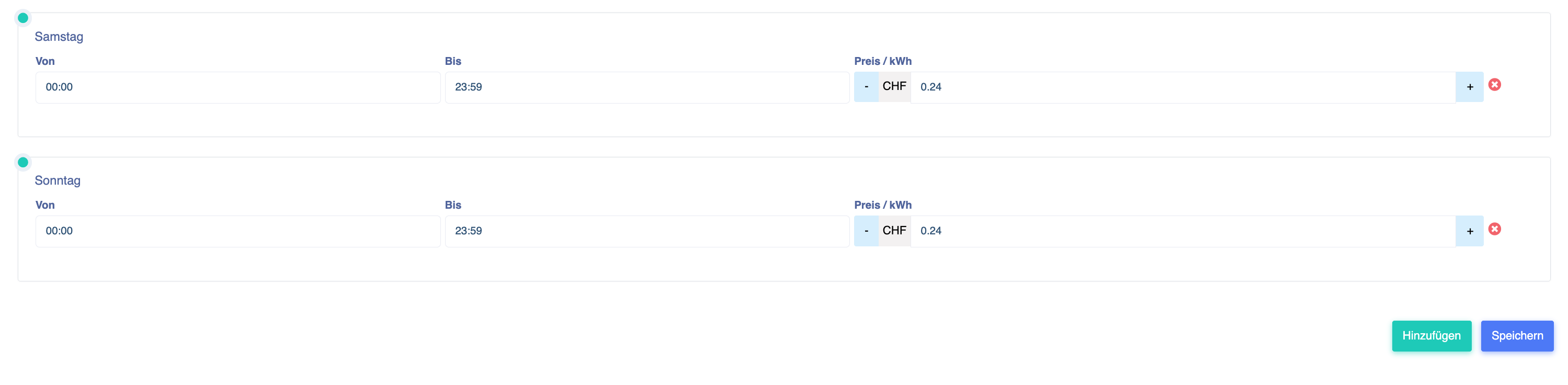
If, for example, you have clicked on the new charging profile "HT / NT STWE 2025" and adjusted all prices in the table on the right-hand side, don't forget to click on Save at the bottom: